The musings of one teacher's adventure learning how to use the iPad in a primary French immersion classroom.
Wednesday, 1 May 2013
Pic Collage and Initial letter sound
Friday, 19 April 2013
MoMa Art Lab and Kidblog
For the last few months my students have been using Kidblog. They each have their own blog on our class blog. Everytime we use the iPads to create something they post it to their blog on kidblog. Parents, grandparents and friends can view the blogs and leave comments. The best part about kidblog is I as the teacher have all the control. Every post and every comment must be approved by me before it can be viewed. Kidblog is such an easy blogging site that my grade ones can use it independently!
Today we used the MoMa Art lab app to have some creative time. It was the first time I had used this app with my whole class. I put the music on and allowed students to make a picture of their choice using this app. During the lesson, we stopped a few times to do a gallery walk and see what classmates were creating. I also asked students to mirror to the screen at the front to show others what they were doing while everyone was working.
Once complete, students saved the picture to the camera roll and emailed it to my Evernote and then posted on their blog. You can check out the blog to see examples of the picture students created.
Tuesday, 5 March 2013
Pic Collage
My students love to work with their big buddies. They look up to them and enjoy saying hi to them outside the classroom. I could go on and on about the positive aspects of this relationship and how it is building community within our school but I will move on to the project :)
Recently, we made a collage using the app Pic Collage. Students took photos, and drew pictures, and added text to create an 'all about us' collage. Below you can see a few samples with the faces blurred out.
I have also used this app to share with parents a snapshot of what we are doing at school. You know the saying "A picture is worth a thousand words", well it takes me about five minutes to take some photos of students at work and then create a Pic Collage that can be sent home to parents as your class newsletter. Below are two samples. One is from our 100 day celebrations and the other is a daily update as we build roller coasters.
I have also seen this app used to demonstrate a number of things. You could:
- document patterns they seek in the classroom
- show the same number represented a number of ways
- show the steps they took to build something
- take photos of things that start with the letter _
- take photos of things that rhyme
- there are endless possibilities.......
Thursday, 28 February 2013
Student created surveys and Screen Chomp
I have been reading some amazing ideas on twitter and pinterest on the use of iPads and math. My students are currently learning about data collection. We have been making all sorts of surveys, learning the different ways to collect the information, and comparing the results.
Today I told the students they would create a survey with a partner using Screen Chomp. Screen Chomp is an interactive whiteboard type app. There are a ton of great apps like this one but I find this one very user friendly for my grade ones. We can also email the files to our Evernote eportfolios when we are done to be viewed later.
Students created a question, a diagram to collect information and then recorded themselves and the information they learned.
Here is a screen chomp video -Remember it is in French :)
Tuesday, 5 February 2013
The Camera and Magnetic Poetry

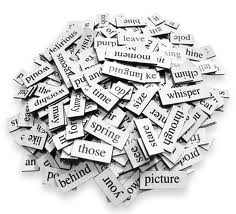
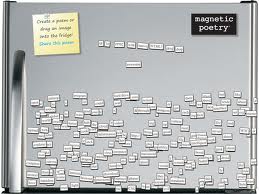
On a piece of paper I have a chart that contains a number of simple sentence starters. Students use these and the blank pages included to create a few sentences on their desk. This allows for the students who struggle with putting pen to paper an easier way to get their ideas down.
I gave students a chart full of different sentence starters and connecting words that they are familiar with. Then I encouraged them to 'write' three interesting sentences. Once they were happy they read them to a friend and took a photo with the camera app. Once the photo was taken they emailed it to their Evernote account.
Thursday, 24 January 2013
Popplet and Bears
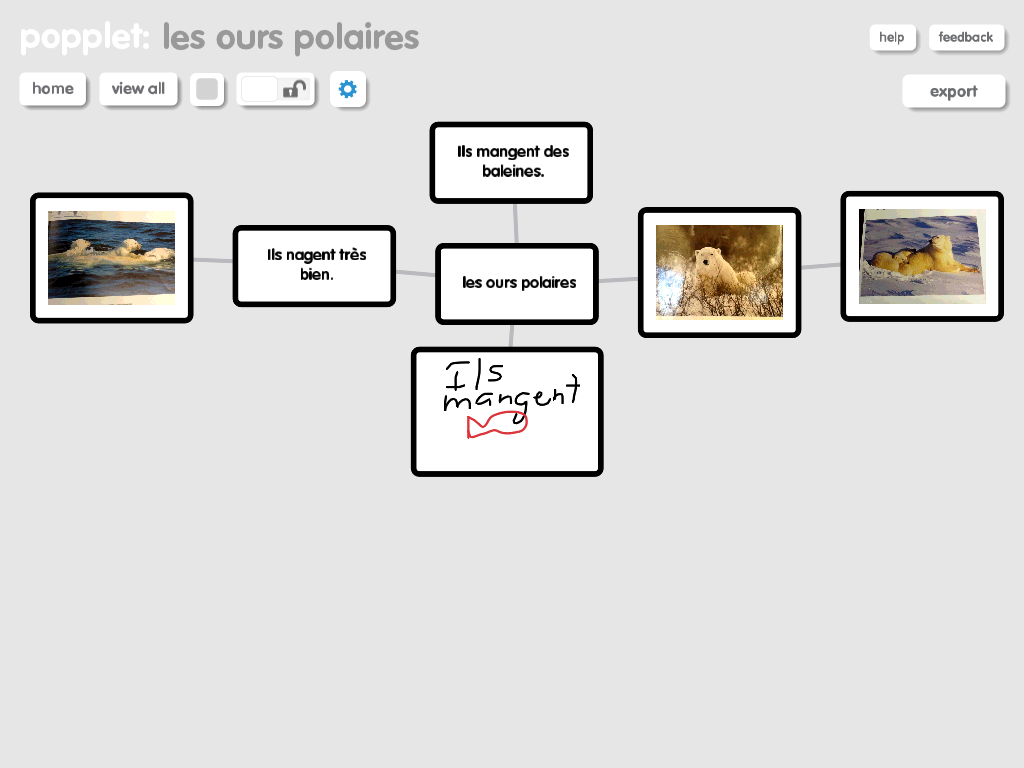
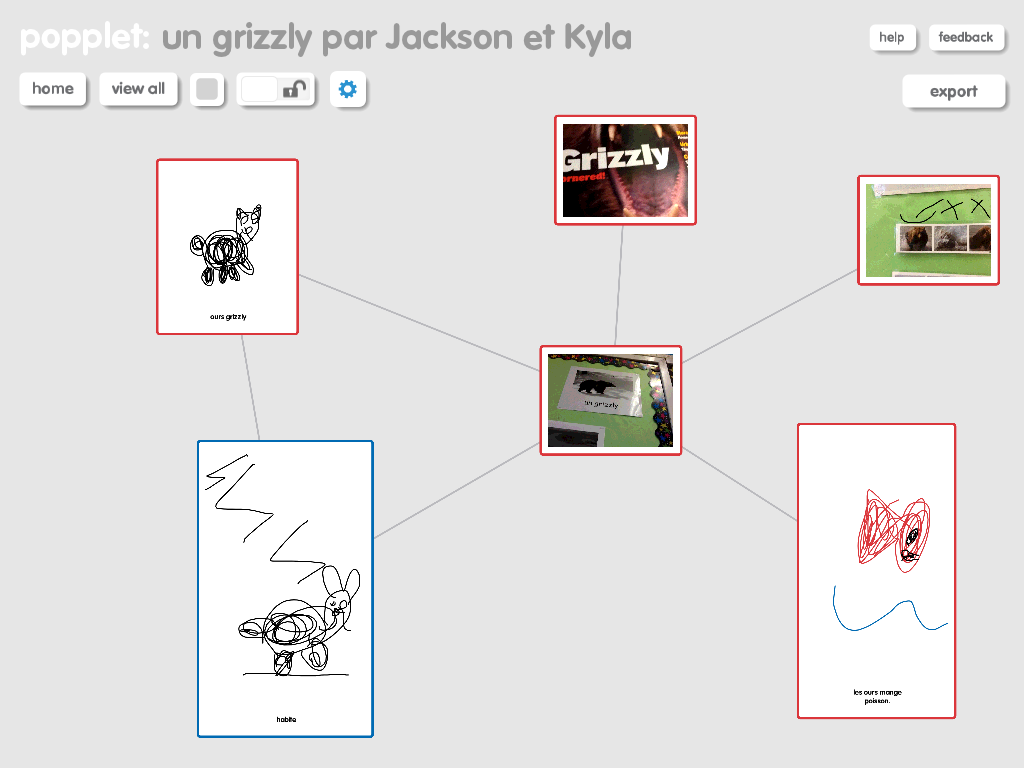
We are at the end of our unit studying bears. Over the last few days the students have been working in pairs to demonstrate their knowledge on a specific bear. We used one of our favourite apps, Popplet, to create mind maps that contained images, pictures, and words. Below are some examples of the Popplets my grade ones created.
For the most part I am happy with what we did; however, there are a few things I would do differently. I began by leaving the activity very open-ended. I encouraged students to pick a bear and then to use all the different resources in the classroom to add all the things they knew/we had learned about that particular bear. As my students are in grade one and French immersion, they were having trouble writing the words to go with the photos and pictures they had drawn or taken. This made it difficult to interpret the Popplets.
After the initial phase was complete we all sat down together and discussed the Popplets and decided things we liked and things that we needed to revise a bit. The students decided that they needed to add some words to explain briefly the pictures and they also decided on a list of criteria that should be included in their Popplet like; what they eat, where they live, habits during different seasons, information about hibernation, their appearance, etc... After these revisions the Popplets provided better evidence of learning. As you view the Popplets please keep in mind that they do still require the voice of the student creator to explain their connections and some of their images. This oral language component is so essential for students to develop-especially in a French immersion classroom :)
Tuesday, 18 December 2012
Puppet Pals and Oral Language practice
Today we decided to practice our oral French and record simple conversations. I created a conversation to show as a sample. It included things like; Hi, how are you? I am fine thanks and you? What is your favourite thing to play with etc etc... (in French). Then I let students be creative and choose their characters, setting, and props. This inspired them to have some very unique and creative conversations. I gave them about 20 minutes to create, record, and save their conversations. Then we all came back together and shared our recordings using Air Server. Each student took a turn to mirror their iPad. This app seems to have a glitch. The mirroring seems to turn off when you open a show, but when you start to play it the iPad will mirror once again. We got in the habit of playing each show twice. Once students viewed what their classmates had created they got even more ideas. They are pretty excited and want to try this again soon. I wish this app could export to Evernote. I don't want to use YouTube or Facebook to post our videos at this point in time....
Subscribe to:
Posts (Atom)