Thursday, 28 February 2013

Student created surveys and Screen Chomp


I have been reading some amazing ideas on twitter and pinterest on the use of iPads and math. My students are currently learning about data collection. We have been making all sorts of surveys, learning the different ways to collect the information, and comparing the results.

Today I told the students they would create a survey with a partner using Screen Chomp. Screen Chomp is an interactive whiteboard type app. There are a ton of great apps like this one but I find this one very user friendly for my grade ones. We can also email the files to our Evernote eportfolios when we are done to be viewed later.

Students created a question, a diagram to collect information and then recorded themselves and the information they learned.


Here is a screen chomp video -Remember it is in French :)

Tuesday, 5 February 2013

The Camera and Magnetic Poetry


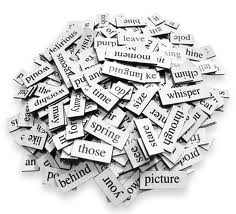
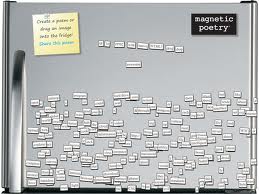
Today I decided to do one of my favourite writing activities. I call it 'magnetic poetry'. Do you remember those magnetic poetry kits you could buy for your refrigerator? I remember fondly writing very creative verses on my dormitory fridge in university. Anyways, my 'magnetic poetry' lesson is a play on this.


On a piece of paper I have a chart that contains a number of simple sentence starters. Students use these and the blank pages included to create a few sentences on their desk. This allows for the students who struggle with putting pen to paper an easier way to get their ideas down.
I gave students a chart full of different sentence starters and connecting words that they are familiar with. Then I encouraged them to 'write' three interesting sentences. Once they were happy they read them to a friend and took a photo with the camera app. Once the photo was taken they emailed it to their Evernote account.


Thursday, 24 January 2013

Popplet and Bears

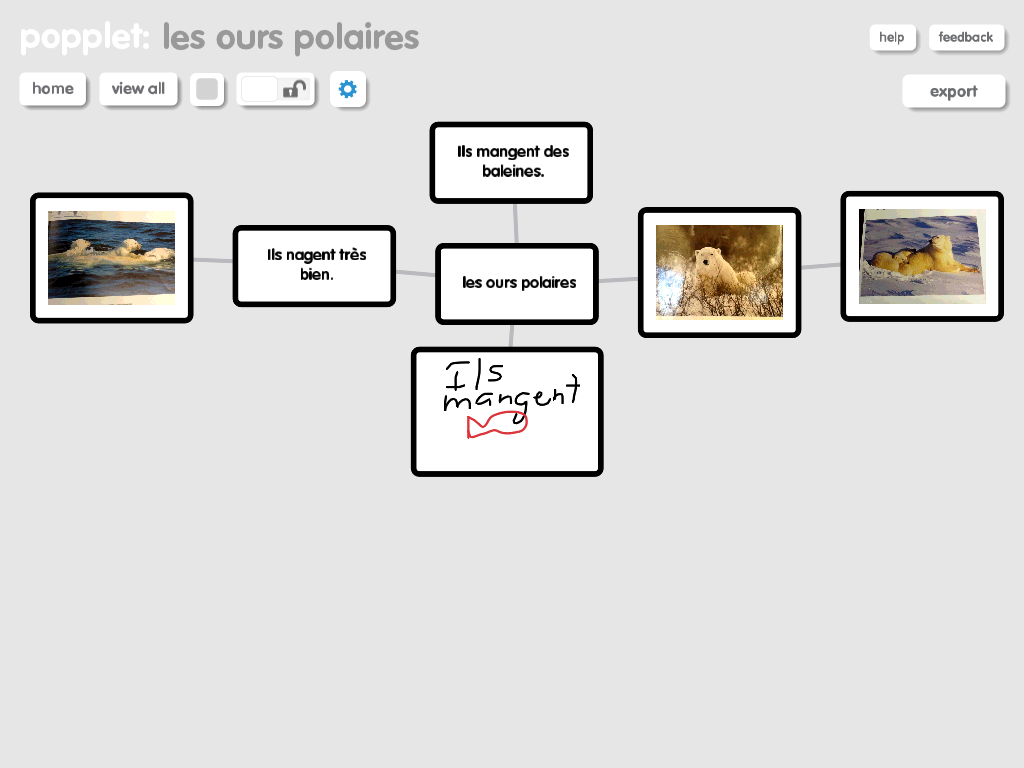
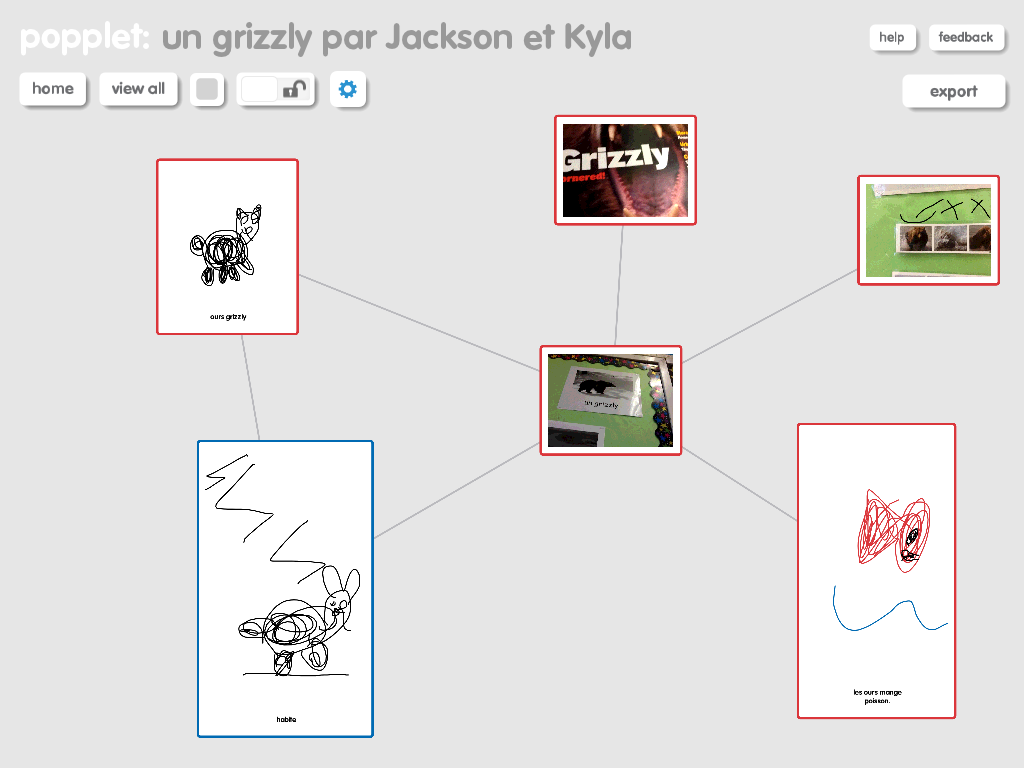
We are at the end of our unit studying bears. Over the last few days the students have been working in pairs to demonstrate their knowledge on a specific bear. We used one of our favourite apps, Popplet, to create mind maps that contained images, pictures, and words. Below are some examples of the Popplets my grade ones created.


For the most part I am happy with what we did; however, there are a few things I would do differently. I began by leaving the activity very open-ended. I encouraged students to pick a bear and then to use all the different resources in the classroom to add all the things they knew/we had learned about that particular bear. As my students are in grade one and French immersion, they were having trouble writing the words to go with the photos and pictures they had drawn or taken. This made it difficult to interpret the Popplets.

After the initial phase was complete we all sat down together and discussed the Popplets and decided things we liked and things that we needed to revise a bit. The students decided that they needed to add some words to explain briefly the pictures and they also decided on a list of criteria that should be included in their Popplet like; what they eat, where they live, habits during different seasons, information about hibernation, their appearance, etc... After these revisions the Popplets provided better evidence of learning. As you view the Popplets please keep in mind that they do still require the voice of the student creator to explain their connections and some of their images. This oral language component is so essential for students to develop-especially in a French immersion classroom :)

Tuesday, 18 December 2012

Puppet Pals and Oral Language practice


Today we decided to practice our oral French and record simple conversations. I created a conversation to show as a sample. It included things like; Hi, how are you? I am fine thanks and you? What is your favourite thing to play with etc etc... (in French). Then I let students be creative and choose their characters, setting, and props. This inspired them to have some very unique and creative conversations. I gave them about 20 minutes to create, record, and save their conversations. Then we all came back together and shared our recordings using Air Server. Each student took a turn to mirror their iPad. This app seems to have a glitch. The mirroring seems to turn off when you open a show, but when you start to play it the iPad will mirror once again. We got in the habit of playing each show twice. Once students viewed what their classmates had created they got even more ideas. They are pretty excited and want to try this again soon. I wish this app could export to Evernote. I don't want to use YouTube or Facebook to post our videos at this point in time....


Friday, 14 December 2012

Popplet and representing numbers

I was looking on Popplet's website and noticed a link to someone in my PLN (professional leaning network on Twitter) that had posted a number of great ways to use Popplet on the iPad. (Thanks @Matt_Gomez) I have used this app once before. If you are not familiar with Popplet, it is a Mind Mapping type app. I used it with my students to create a story map as a graphic organizer prior to writing a story.

I decided to build on one of Matt's suggestions and get the students to represent a number between 11-20 a number of different ways. I challenged them to come up with as many as possible. This was the first time my students had used this app. I started by projecting the iPad on my large screen using Air Server. I showed them how to begin and give their Popplet a title. Then I showed them briefly how to create new bubbles, to draw, type, and take photos. Students began to explore and discover for themselves how to use the app. One student figured out how to make the bubbles larger so I stopped the class and he mirrored his iPad on the overhead to demonstrate how to do it.

At the end of class, we mirrored all the iPads on the overhead and compared the different ways students had represented their numbers. Students loved sharing their work and seeing what others had done.


Friday, 7 December 2012

Skitch and Descriptive sentences

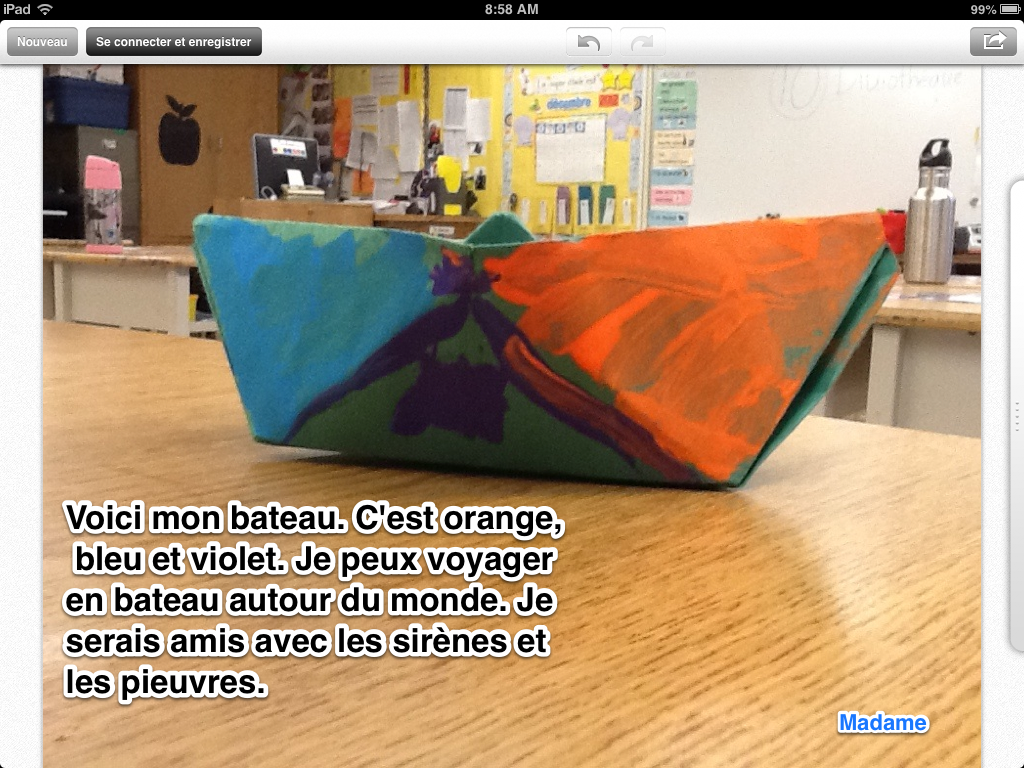
Yesterday we made paper boats with our student teacher. The students had to follow some complex oral directions in French. Then, students got to decorate their boats. Today we wrote descriptive and imaginative sentences using the Skitch app with our big buddies.


Skitch

Thursday, 6 December 2012

Journal entry and Doodle Buddy

Today I decided that rather than do our journals with a paper and pencil, we would create a journal entry using Doodle Buddy. Students worked in groups of two (because I love the collaboration) to draw a picture using the Doodle Buddy app. As I walked around the classroom, the conversations were music to my ears. I listened as students negotiated different ideas and tried to figure out (problem solve) the different functions of the app.


At the end of the project, students had to take a 'screen shot' of their picture and sentences. Then they had to email it to their individual evernote-notebook (eportfolio). These tasks require a lot of different knowledge/skills and I am impressed that my grade ones are able to do all of these things on their own, but they CAN!! (Just as a side note-this project was about the content of their writing and connecting the picture to some vocabulary. Students are still at the emergent writing stage so they are writing words phonetically and therefore there are errors)